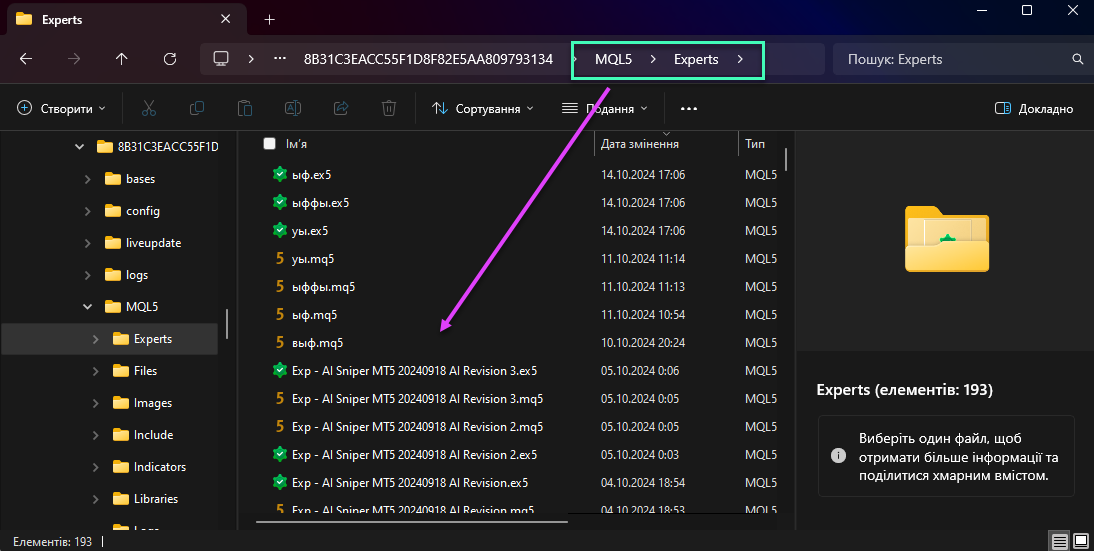
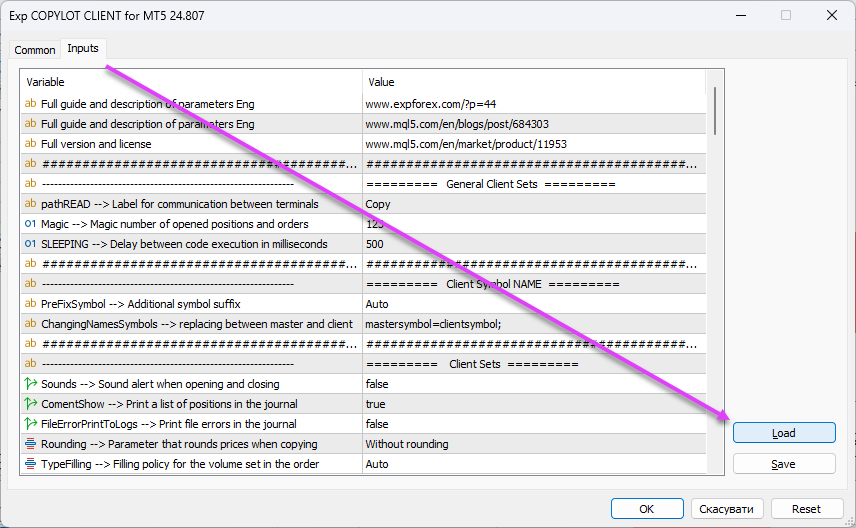
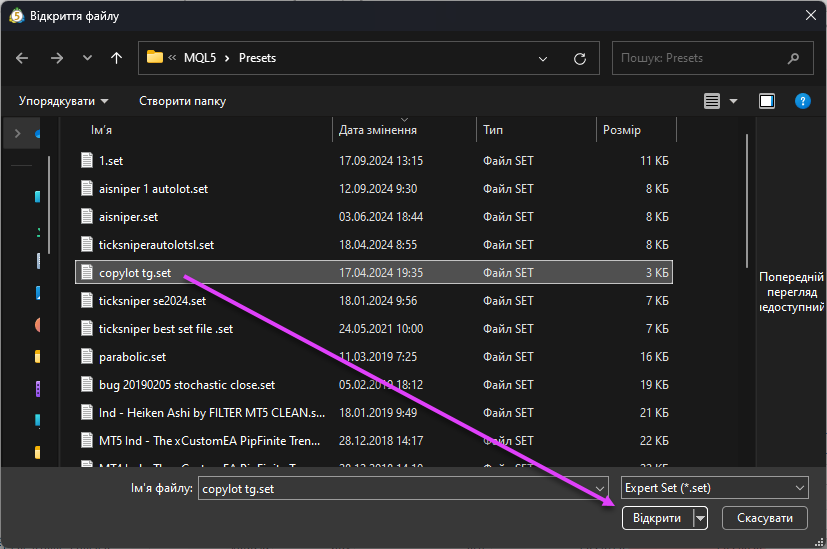
MetaTrader에 거래 어드바이저를 설치하고 터미널에서 작동하도록 구성하는 방법. 이 기사에서는 MetaTrader에 거래 어드바이저를 설치하고 터미널 차트에서 작동하도록 구성하는 방법을 안내합니다. 인디케이터나 유틸리티가 터미널 차트에서 원활하게 작동하도록 필요한 단계를 배우게 됩니다.
2 responses to “MetaTrader 터미널에 Expert Advisor 및 지표를 설치하는 방법”
синяя ручка
Почему на главном меню (где есть файл, вид, графики….) нет вставки? Я на мт5 совсем недавно, может быть еще не разобрался до конца. Мне очень необходимы графические фигуры, линии для графического анализа))). Можно ли настроить так, чтобы вставка появилась
We use cookies to improve your experience, analyse traffic, and personalise content. You can accept all cookies or customize your preferences.
Cookies are small text files that can be used by websites to make a user's experience more efficient.
The law states that we can store cookies on your device if they are strictly necessary for the operation of this site. For all other types of cookies, we need your permission. This means that cookies categorized as necessary are processed based on GDPR Art. 6 (1) (f). All other cookies, including preferences, analytics, and marketing cookies, are processed based on GDPR Art. 6 (1) (a).
This site uses different types of cookies. Some cookies are placed by third-party services that appear on our pages.
You can change or withdraw your consent at any time from the Cookie Declaration on our website.
Learn more about who we are, how you can contact us, and how we process personal data in our Data Protection Policy and Disclaimer.
Please state your consent ID and date when you contact us regarding your consent.

















Leave a Reply