


MT5 release exe files

Scarica TradingView Market Info & Time Pad


26.971 – 8 November 2026
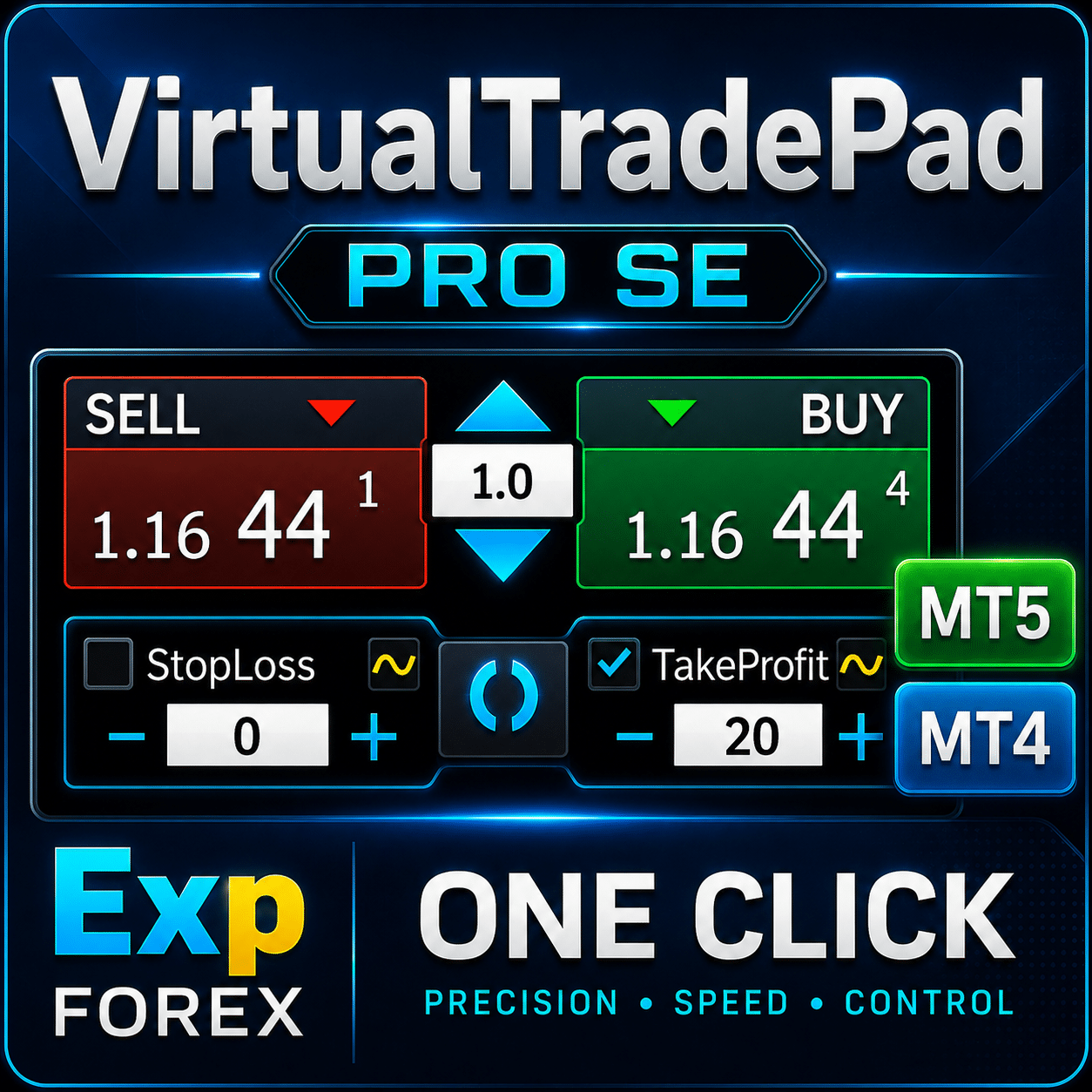
Scarica Exp VirtualTradePad PRO SE
Scarica l’ultima versione di VirtualTradePad PRO SE dal repository ufficiale — un pannello professionale per il controllo e la gestione del trading su MetaTrader 4 e MetaTrader 5. Questo pacchetto include i file più recenti per il trading manuale avanzato, il controllo rapido delle posizioni, la gestione visiva delle operazioni e l’organizzazione di un flusso di lavoro professionale direttamente dal grafico del terminale di trading.
VirtualTradePad PRO SE è progettato per i trader che desiderano uno spazio di lavoro completo all’interno di MetaTrader: trading con un clic (One-Click Trading), gestione delle posizioni, controllo degli ordini, strumenti per la gestione di profitti e perdite, chiusura parziale (Partial Closing), controlli visivi avanzati, supporto del Tester della strategia (Strategy Tester) e una moderna interfaccia premium.
Perché eseguire l’aggiornamento? L’ultima versione include miglioramenti dell’interfaccia, una gestione più stabile degli eventi degli oggetti grafici, un funzionamento ottimizzato nel Tester della strategia, una migliore interazione con il grafico, controlli di inserimento perfezionati e importanti correzioni per le attività di trading quotidiane. Gli aggiornamenti regolari contribuiscono a mantenere il pannello stabile, reattivo e compatibile con le versioni più recenti dei terminali MetaTrader.
Utilizza questa pagina per scaricare VirtualTradePad PRO SE, aggiornare l’installazione attuale, ripristinare i file dopo la reinstallazione di MetaTrader oppure verificare la disponibilità dell’ultima versione del pannello di trading.
Informazioni principali Guida completa Impostazioni Domande frequenti
Cronologia completa delle modifiche Recensioni degli utenti Commenti Contenuti aggiuntivi
🚀 VirtualTradePad MT5 — Update 26.971
Major Update: Performance, Advanced Trading Controls, MAX Terminal & Account Statistics
Version 26.971 introduces significant performance optimizations, individual Breakeven and Trailing Stop controls, automatic SL/TP management, an expanded MAX Terminal, advanced trading reports and numerous interface improvements.
⚡ Performance Optimization
Reduced redundant chart-object checks, position scans, commission queries and interface updates.
Optimized panel and level dragging, Info, Risk Manager and Signals rendering.
Calculations are now performed only when required.
Historical reports use cached data and limited processing batches, running only in MAX mode when a historical tab is selected.
🎯 Improved Total SL/TP Controls
Preview lines are now only 1 pixel wide.
Compact single-line labels display level type, direction, price, points, money and percentage.
YES/NO confirmation buttons remain in their familiar position.
Confirmation blocks automatically adapt to chart resizing.
🛡️ Individual Breakeven & Trailing Stop
NEW: Independent BE and Trailing Stop settings for each position.
BE ON/OFF, BE Start and BE Offset.
Trail ON/OFF, Trail Distance and Trail Step.
Breakeven can be enabled while a position is losing and waits until the configured conditions are met.
Individual settings can be modified and saved separately for each position.
Settings persist across terminal restarts.
🔄 Automatic SL/TP for Manual Positions
NEW: AutoSLTP_ManualPositions — disabled by default.
Automatically installs missing Stop Loss and/or Take Profit levels on manual positions for the panel's symbol.
Uses Position tab settings and supports Real/Virtual modes.
Existing SL/TP levels remain unchanged.
Each missing level is installed once. Manually removed levels are not automatically restored.
🖥️ Expanded MAX Terminal
Added MAX / RESTORE with full-chart width.
Account-wide monitoring of positions and pending orders.
Trades provides live updates; History uses a matching column layout without the Menu column.
Removed the duplicate All Trades view.
Other panel graphics pause in MAX mode, while trading and position-management functions remain active.
📊 Account Statistics & Advanced Reports
NEW: Account overview and six report modes.
Detailed Report — comprehensive trading results.
Graph — visual performance analysis.
Symbols — statistics grouped by trading symbol.
Magics — analysis by Magic Number.
Comments — results grouped by trade comments.
Dates — Hours, Days, Weeks and Months.
Reports include net/gross results, Profit Factor, Expected Payoff, drawdowns based on closed results, and win/loss statistics.
Date grouping uses broker server time.
Improved grouping by original entry comments when available.
Estimated historical SL/TP money values are marked with ~.
🎨 Premium Interface Improvements
Clearer headers, distinct sections, highlighted tabs and alternating table rows.
Improved spacing, font consistency, DPI scaling and resizing.
Long table values remain on one line, with complete information available in tooltips.
Position menus no longer overlap the main terminal header controls.
⚙️ ATM & CLP Controls
Added DEL | NEW | COPY controls for ATM rules.
Duplicated rules start OFF with execution states reset.
Replaced the pending-order label with Delete orders ON/OFF.
The entire button now controls the existing CLP option.
⌨️ Hotkeys & Saved Preferences
Duplicate hotkey assignments now generate one combined alert after initialization.
Position information-button mode is saved across restarts.
Selected report and date modes are remembered.
🔧 Stability, Restoration & Cleanup
Fixed missing or modified controls after MAX / RESTORE.
RESTORE correctly returns to the previous compact-terminal state.
MAX mode starts OFF after initialization or terminal restart.
Removing the EA now properly cleans up its lower terminal graphics.
Thank you for using VirtualTradePad!
-The operation of the panel in the Strategy Tester of the MetaTrader 5 terminal has been fixed after update 6140.
-Fixed translations for some languages
Work with the MQL VPS has been restored.
Questo post è disponibile anche in: