


VirtualTradePad PRO SE — Professional MetaTrader Trading Panel for MT4 and MT5

Official EXPFOREX License vs Cracked Versions: Why Verified Software Matters for MT4 and MT5

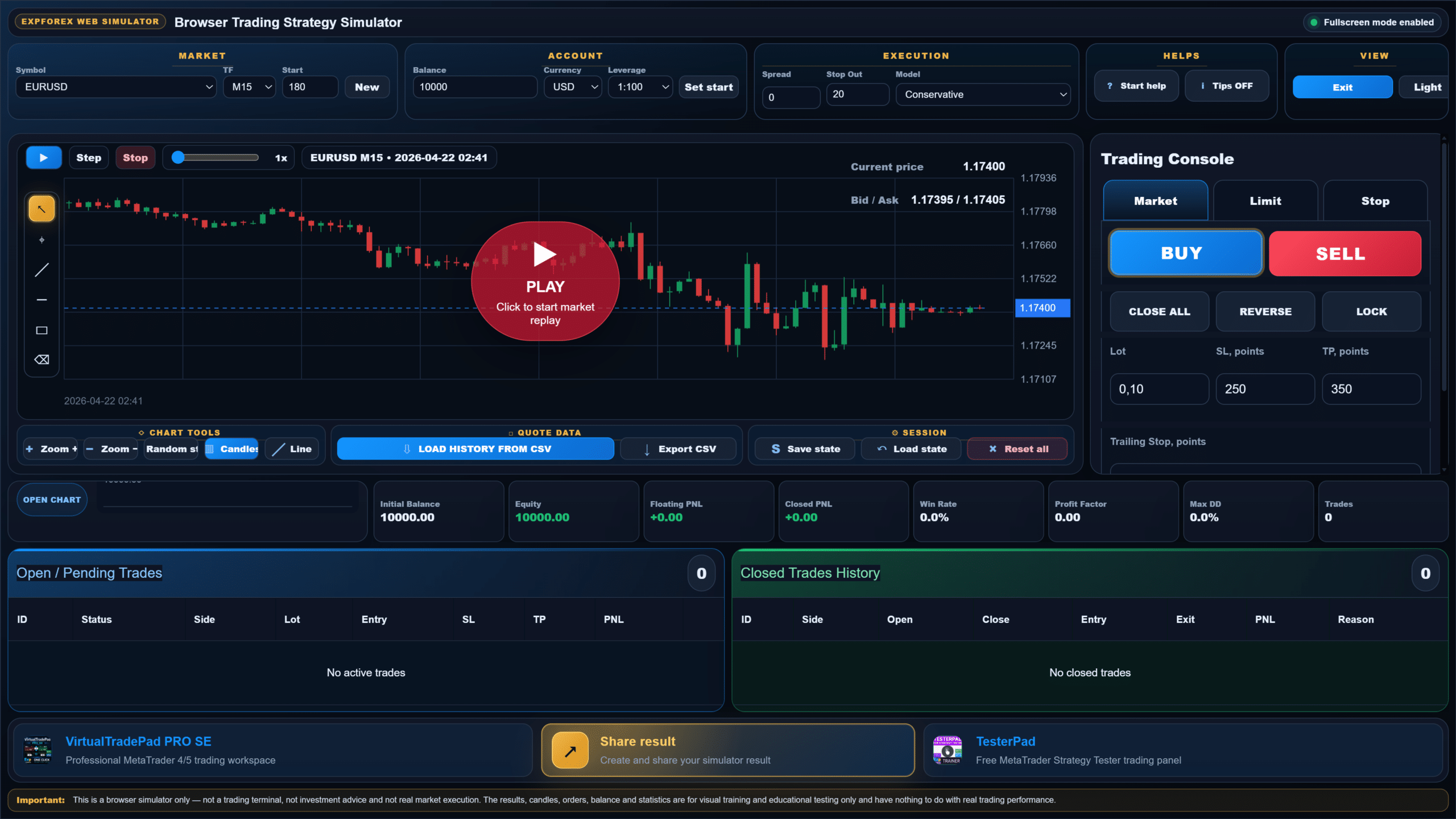
Browser Trading Strategy Simulator
Manual Forex strategy tester with candlestick replay, Buy/Sell execution, SL/TP, spread, margin, balance, equity, drawdown and trade statistics.
Open / Pending Trades
0| ID | Status | Side | Lot | Entry | SL | TP | PNL | |
|---|---|---|---|---|---|---|---|---|
| No active trades | ||||||||
Closed Trades History
0| ID | Side | Open | Close | Entry | Exit | PNL | Reason |
|---|---|---|---|---|---|---|---|
| No closed trades | |||||||
 VirtualTradePad PRO SEProfessional MetaTrader 4/5 trading workspace
 TesterPadFree MetaTrader Strategy Tester trading panel
Learn Forex by trading inside a safe browser simulator
Reading about Forex is useful, but many beginners understand the market only after they see how a real trading decision changes balance, equity, drawdown and statistics. The Expforex Web Trading Simulator gives that first practical step without a broker account, without installation and without real money risk.

What does the simulator help you understand?
Every control in the simulator represents a real trading concept. Instead of memorising terminology, you can see how it behaves on a chart.
Buy and Sell
Learn why Buy benefits from rising price and Sell benefits from falling price.
Bid, Ask and Spread
See why every trade begins with a price difference and why spread matters.
Stop Loss
Understand how a protective level limits loss when the market moves against the position.
Take Profit
See how a planned target closes the trade after the market reaches the expected level.
Leverage and Margin
Compare required margin and understand that leverage does not remove market risk.
Balance and Equity
Learn the difference between closed balance and live account value while positions are open.
Drawdown
Observe how far equity falls from a previous peak and why drawdown matters.
Trading Statistics
Review win rate, profit factor, trade count and equity history as a complete result.
Try one simple Forex session in four steps
Do not change every setting at once. Start with one market, one idea and one risk model.
Choose the market
Select EURUSD, choose M15 and create a new price sequence.
Prepare risk
Set lot size, Stop Loss and Take Profit before opening the position.
Replay candles
Use Step or Play and watch how the open trade reacts to new candles.
Review result
Study closed trades, equity history, maximum drawdown and profit factor.
Move from browser learning to MetaTrader practice
The web simulator explains the basic logic. When you are ready for a deeper workflow, continue with chart-based tools inside MetaTrader.
Continue learning after the simulator
The simulator gives practical experience. These articles explain the market concepts behind the controls you have just used.

30 Rules of a Successful Forex Trader
Begin with discipline, risk control, emotional stability and consistent trading rules. These principles should come before indicators, entries or automation.
Read article →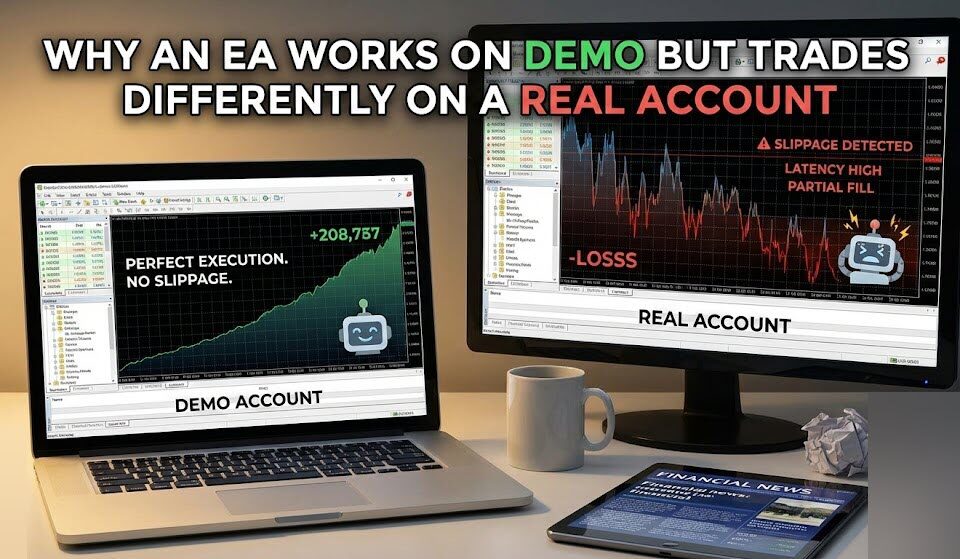
Why an EA Works on Demo but Trades Differently on a Real Account
Understand why demo trading, real execution and Strategy Tester results can differ, and what should be checked before evaluating an Expert Advisor in MT4 or MT5.
Read article →
Forex trading for beginners — Part 1
Start with financial markets, their purpose and the basic structure behind trading.
Read Part 1 →
Currency market and hedging
Learn how currencies are traded and why market participants use hedging.
Read Part 2 →
Markets, activities and quotations
Understand Forex quotations, market activity and the role of economic data.
Read Part 3 →
Fundamental analysis and interest rates
Explore how monetary policy and interest rates can influence currencies.
Read Part 4 →
Exchange rates and economic indicators
Learn how inflation, growth and manufacturing data can affect exchange rates.
Read Part 5 →
Consumer demand indicators
See how demand, sentiment and economic cycles influence financial markets.
Read Part 6 →
Market psychology and chart types
Connect market behaviour with technical analysis and trend interpretation.
Read Part 7 →
Trendlines and channel lines
Learn how traders structure price movement using trend and channel lines.
Read Part 8 →
Graphic price models
Study reversal and continuation structures that can appear on a chart.
Read Part 9 →
Mathematical analysis and indicators
Understand oscillators, divergence and the logic behind technical indicators.
Read Part 10 →
Trade and candlestick patterns
Explore reversal, continuation and Japanese candlestick formations.
Read Part 11 →
Forex glossary
Use the glossary whenever you meet an unfamiliar Forex or trading term.
Open glossary →Forex Web Simulator FAQ
Important answers before you interpret or share a result.
What is the Expforex Web Trading Simulator?+
Is the simulator connected to a real broker?+
Can I lose real money in the simulator?+
Does the simulator use real historical prices?+
What do Conservative, Optimistic and OHLC execution mean?+
Does a profitable result prove that a strategy will work?+
Can I save or export the session?+
Can I share my simulator result?+
Is this investment advice?+
Return to the chart and test one clear trading idea
Define the rule, control the risk, complete the session and review the result.